I created a tool that takes a large image, splits it into equal-sized (20cm x 20cm) chunks, optionally adds a grid, and turns it into a printable PDF so you can create your own battlefields at home!
This blog post details the process from start to finish, with all tools, sources, and final output available at the bottom of the post.
Sourcing the Image
You can do a simple image search, or use a high-resolution image repository like Unsplash. Just search for the keywords that make sense for the battlefield you want to make. In this example, I want an image that matches our "Alien Hive" battlefield, so I searched for "fungal spread mold" on Unsplash and poked around until I found something that looks like it could work well:
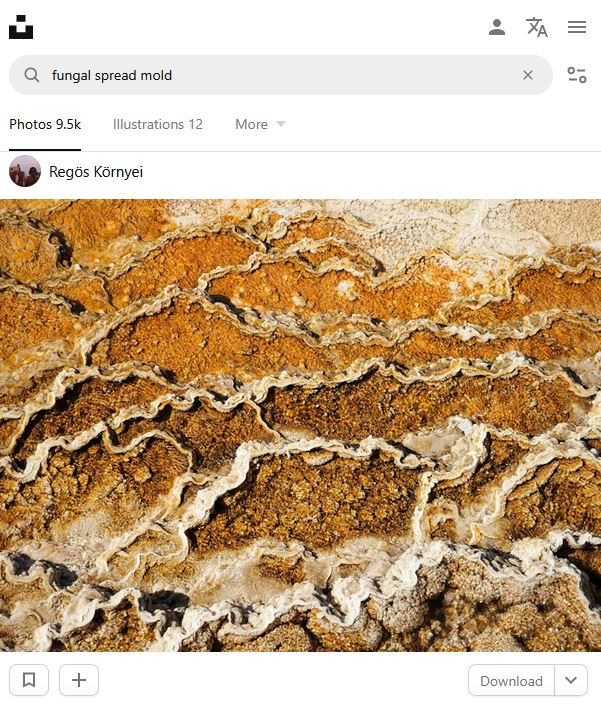 A good one from Regös Környei
Splitting the Image
Once I download the full-sized image, I can use my battlefield tool to split it up. I'll be building a 60cm x 60cm (or 24" x 24") battlefield, printed on US Letter paper, and I want the 2" grid, so I place the downloaded image in the same folder as the python script and run it with these options, making sure to override the default grid color to make it more visible on the output:
python BattlefieldPDFGen.py AlienHive.jpg --tiles 3x3 --paper letter --grid-color "#20A616"
The result is a PDF with 9 pages: one page for each of the tiles.
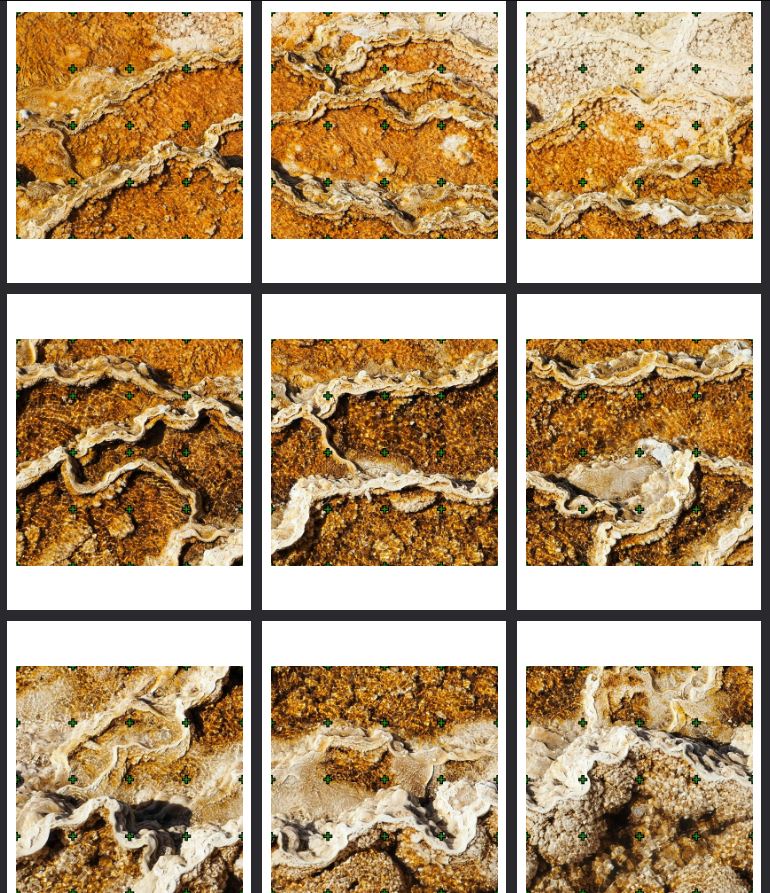 The generated PDF
Printing the Battlefield
You can print these at home normally, but I don't have a printer so I went to my local print shop (UPS store in my case) and they printed it in high-resolution on pretty thick paper, which works well for our use case here. Cost is about $0.50/page, so $5 for a colorful battlefield is a really good price.
When printing these, make sure to use "scale 100%". This will ensure that the images are printed at the precise dimensions we defined (20cm squares).
Making the Battlefield
Once we have the printed document, we can just cut out each of the tiles using a ruler and a sharp utility knife. Onoce they're cut, you can just use them as-is. But for a more solid battlefield, we can glue them to cardboard, foam core, or in my case wood boards. I found 20cm x 20cm wooden boards on Amazon which came in cheap and work really well for what I'm building here.
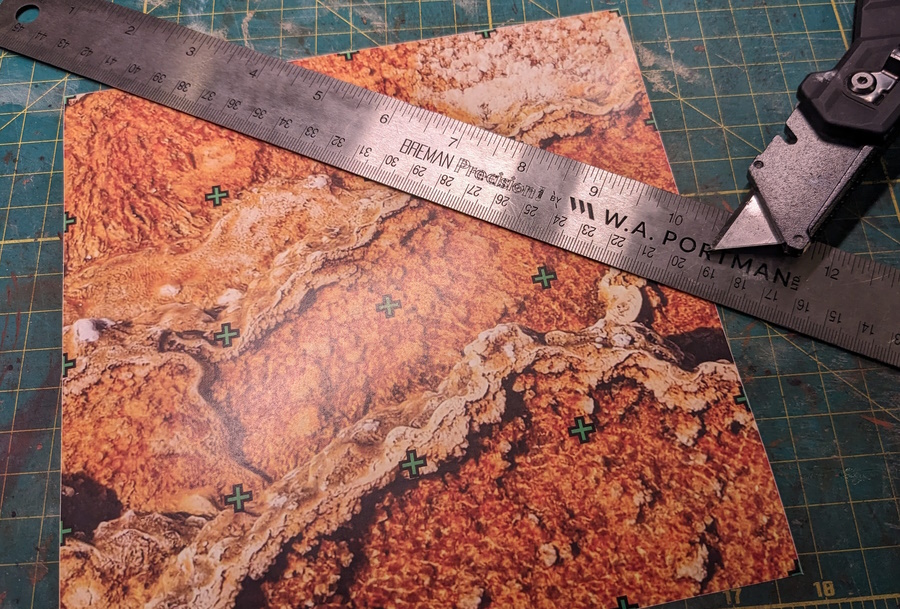 Cutting the tiles from the printed PDF
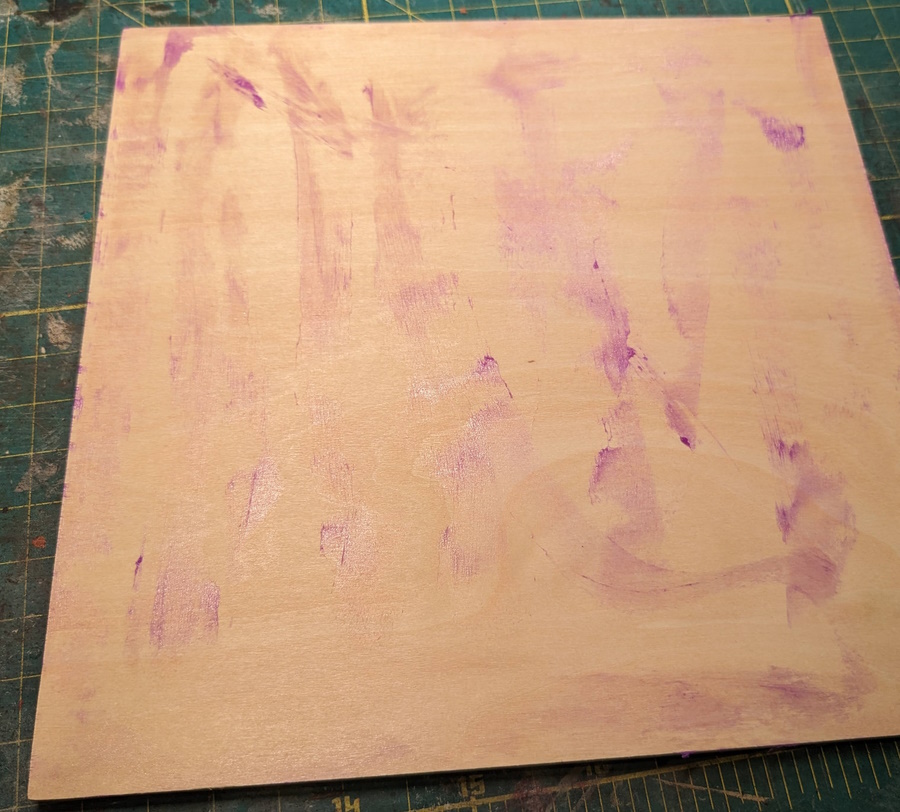 Gluing the tiles to my wooden boards
When gluing, you can use a regular glue stick, making sure you get all the way to the edge.
One nice thing about using these boards is I can glue a different battlefield to the other side, saving storage space and boards.
Final Result
The final result works really well, feels alien-like, and doesn't shift around the table:
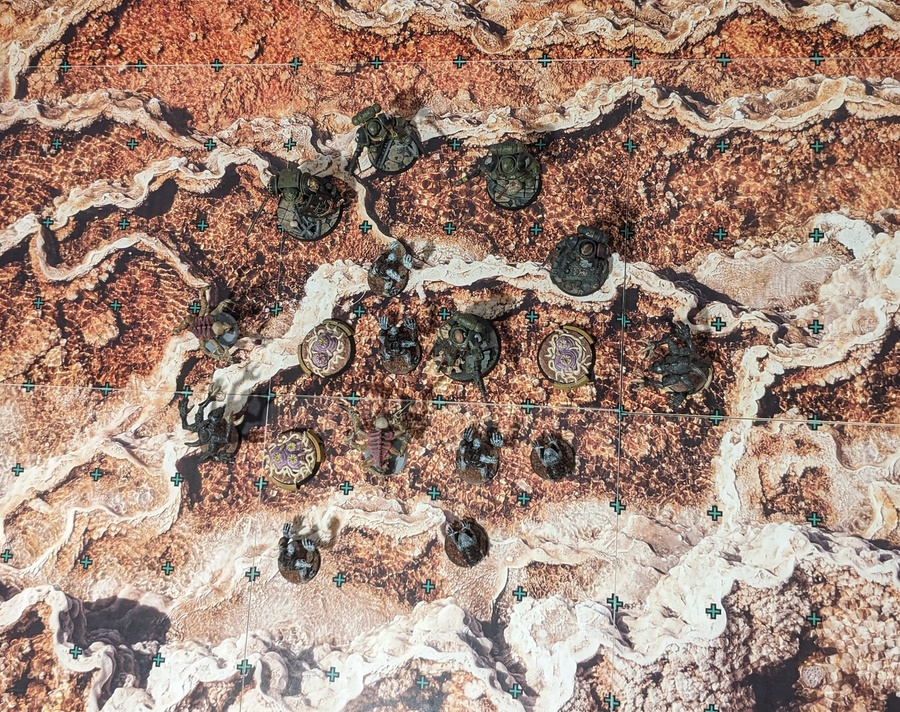 The final result on the gaming table
Links:
- Battlefield Tool
- Note there are other useful tools in that repository, poke around and let me know what you think!
- Alien Hive Letter/Alien Hive A4
- The final result from this blog post if you want to print it as-is yourself